
To update your billing information, like company name, address, or VAT details, follow these steps:
1. Log in to your Piwik PRO account.
2. Go to Menu > Administration.
3. Navigate to Account > Billing & payment.
4. Click Manage payment.

5. You’ll be taken to your billing portal, for instance, Paddle.
Note: In the billing portal, you can:
- Change your billing info.
- Update your card details.
- Add or edit your VAT details on an invoice.
- Download past invoices.
- Cancel the subscription.
6. Click Redirect to confirm you want to go to Paddle.
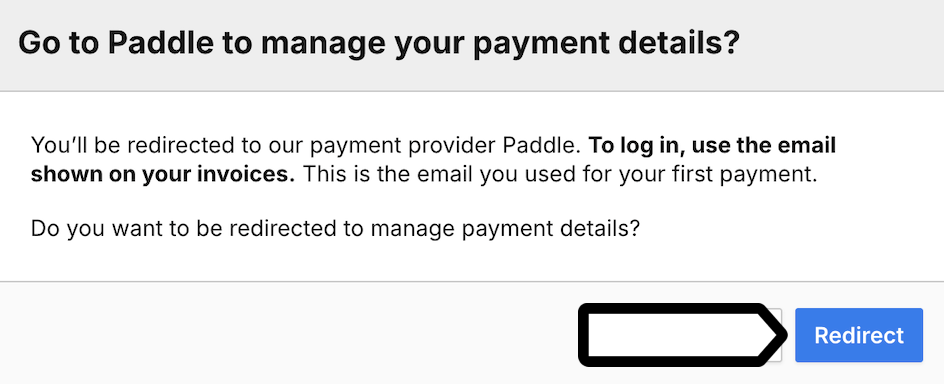
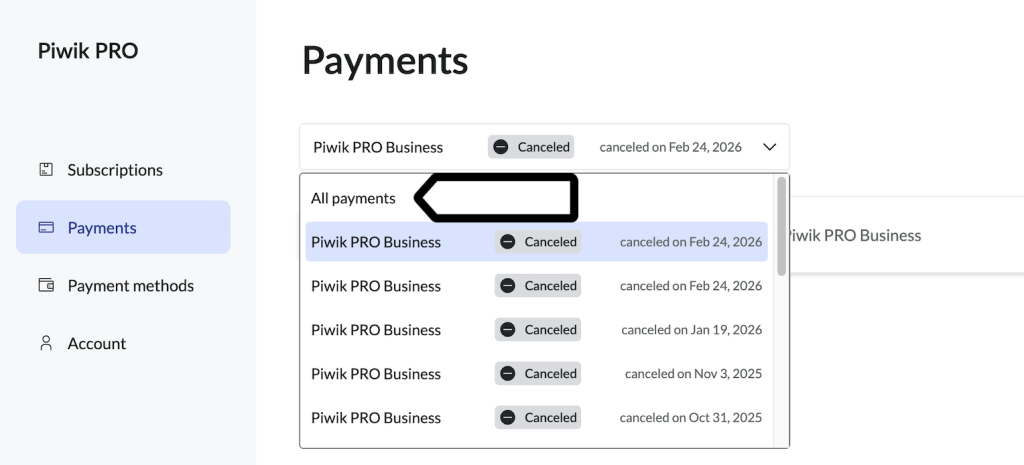
7. In Paddle, go to Payments.
8. Click All payments to see the list of your payments.
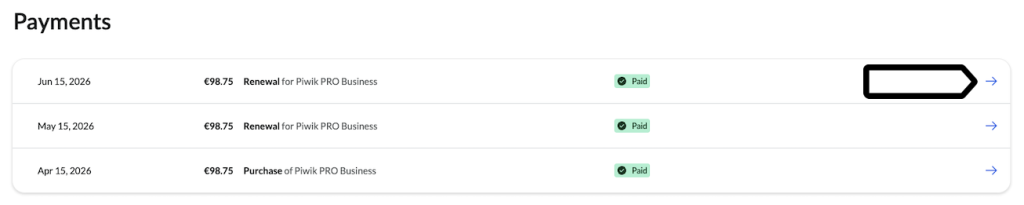
9. Select the invoice you want to correct, for instance, your address and VAT details.
10. Click Update invoice.

Note:
- Updating the address on this invoice won’t change the address on future invoices.
- You can edit this invoice only once. Make sure all details are correct before you continue.
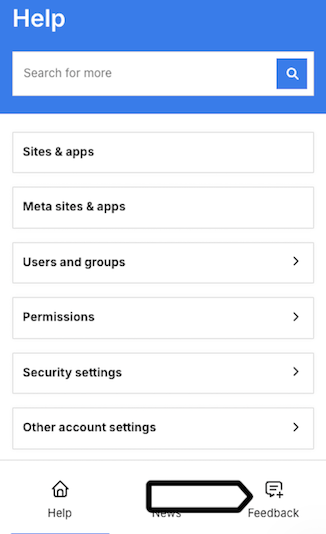
11. (Optional) To update your address permanently, contact us from Menu > Administration > Account > Billing & payment, open the Help popup and go to Feedback.
11. Fill in all necessary fields.
12. Click Update invoice.
13. Click Update invoice to confirm saving the changes.
14. Done.